
WhatsApp Beta 2.26.37.5 for Android
2.26.37.5 · WhatsApp LLC · Page updated
WhatsApp Beta is the official test version of WhatsApp for Android, from WhatsApp LLC, that brings new features to testers before the public release.
Rate Whatsapp Beta
Average 0.0 · ratings: 0
Thank you! Your rating is saved; you can change it. Could not save the rating. Please try again later. Too many ratings from your network today. Please try again tomorrow. The average appears after 5 ratings.
Screenshots
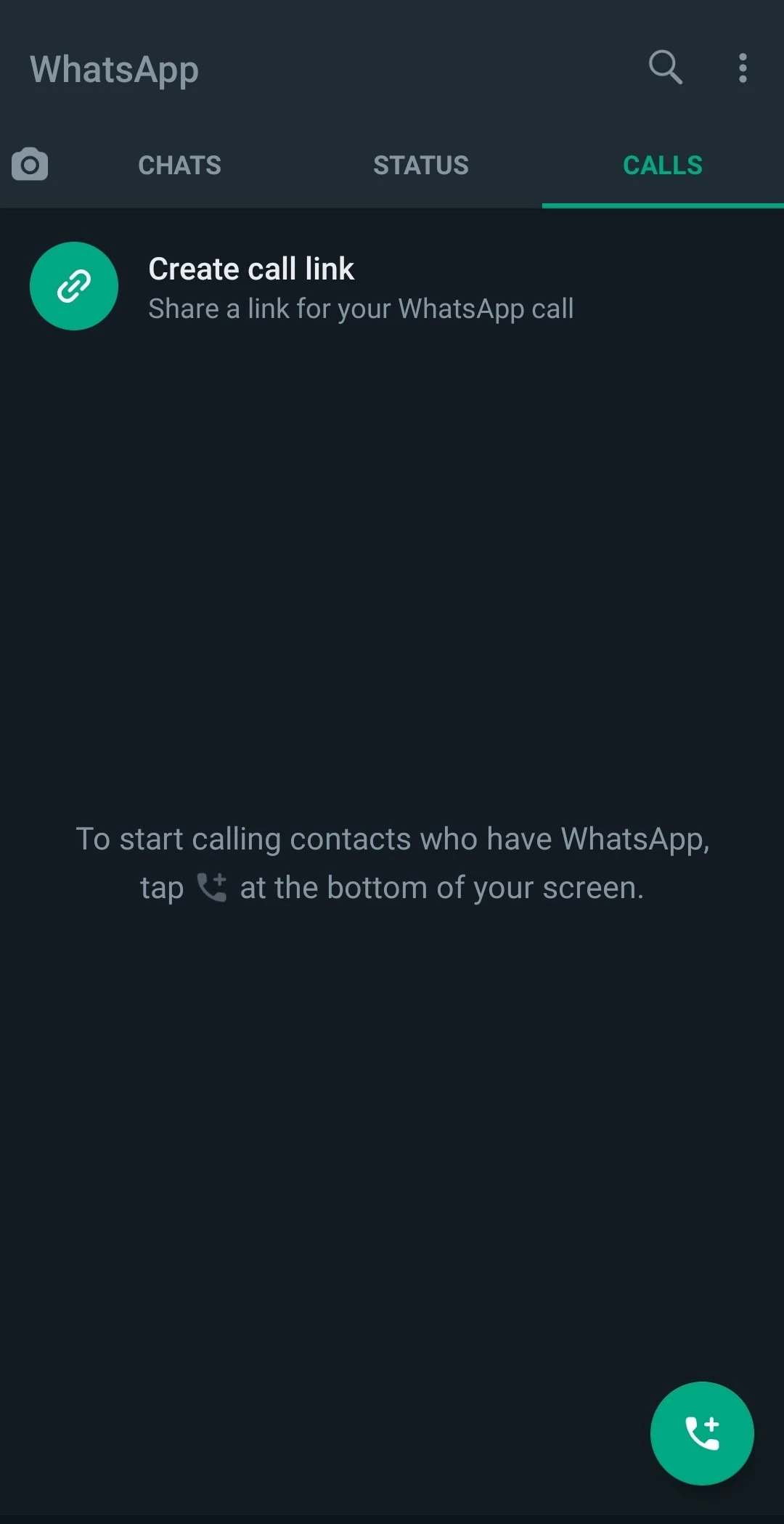
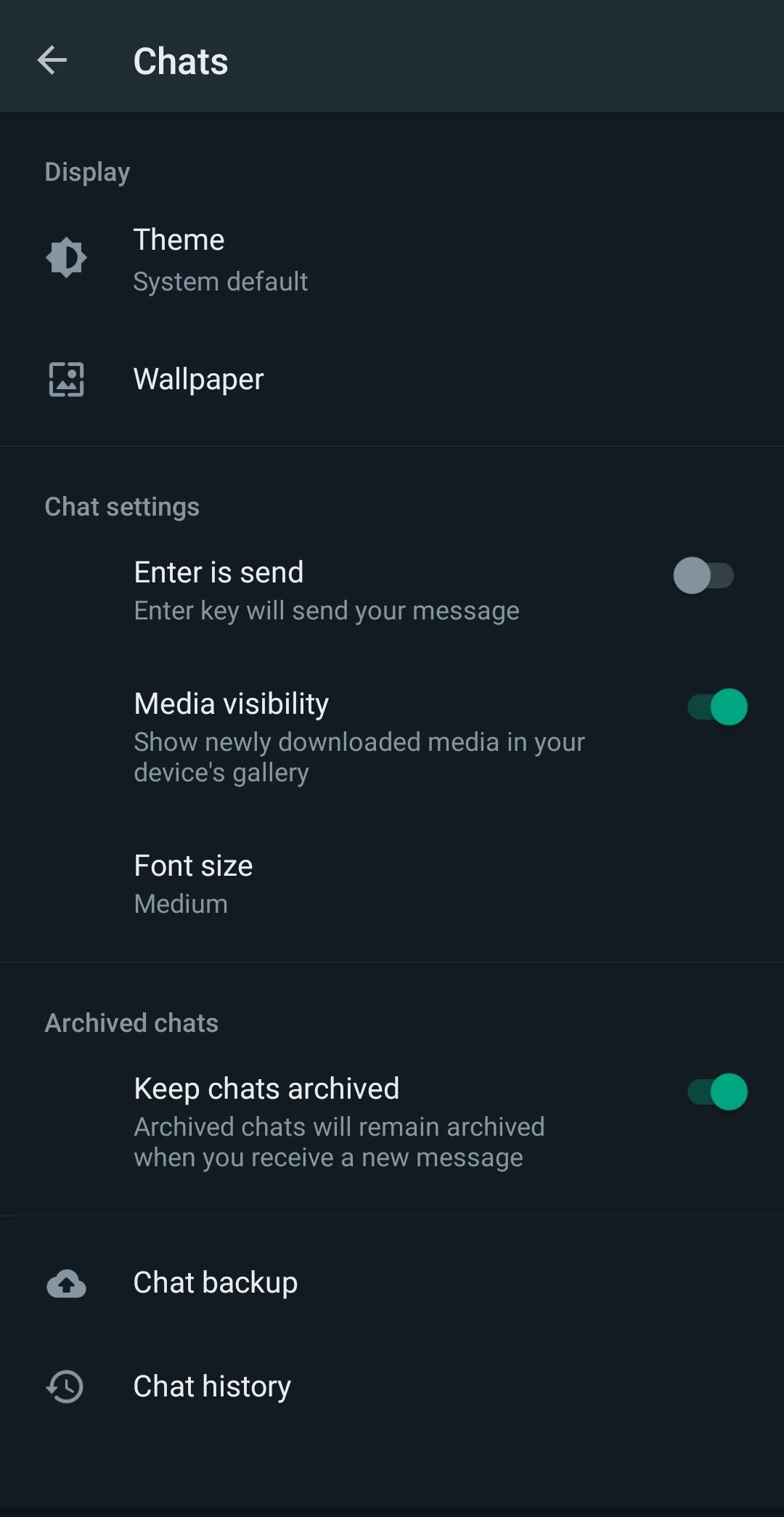
About Whatsapp Beta
WhatsApp Beta 2.26.37.5 is the official test version of WhatsApp for Android, published by WhatsApp LLC, part of Meta. You get WhatsApp Beta through the beta programme on Google Play to try new features before they reach everyone, in exchange for occasional bugs.
Who it is for
WhatsApp has grown far beyond the simple messenger that launched on 24 February 2009, and new features arrive constantly: changes to chats and channels, calls, privacy settings, stickers, AI tools and business functions. Before a feature ships to everyone, it is tested in beta builds. The beta suits curious users who like to see what is coming and do not mind the occasional crash, tech bloggers who report on upcoming features, developers and businesses who need to check how their integrations will behave, and people who want to help by sending feedback. It is not a good idea for someone whose phone is critical for work, for older relatives who need a stable app, or for anyone who cannot afford to lose recent messages. Important: WhatsApp Beta is the real WhatsApp from Meta, not a mod. It uses the same account and the same end-to-end encryption, and it replaces the stable app on your phone rather than running alongside it.
How to join
- Open the WhatsApp page on Google Play and scroll to the section about joining the beta.
- Tap Join; if the programme is full, try again later, since places open from time to time.
- Wait until Google Play offers an update to the beta version and install it.
- Back up your chats before and regularly during testing.
- To leave, use the same page and install the stable version again.
Requirements
You need an Android phone that supports the current WhatsApp version and a Google account for Google Play. The package is about 92.13 MB according to catalogue data. Keep chat backups enabled, because beta builds may have bugs that affect data.
Safety
Only install the beta through Google Play or from whatsapp.com. APK files called WhatsApp Beta on other websites may be modified. Do not confuse the beta with unofficial mods like GBWhatsApp: mods break WhatsApp's terms and can get your number banned, while the beta is official.
Price
WhatsApp Beta is free, just like WhatsApp.
Pros and cons
- Pro: new features weeks before public release.
- Pro: official app with the same account and encryption.
- Pro: chance to shape features with feedback.
- Con: occasional crashes and bugs.
- Con: beta places are limited.
- Con: replaces the stable app on the phone.
Alternatives
For everyday use, the stable WhatsApp Messenger is the safer choice, and WhatsApp Business adds tools for shops and companies. Telegram and Facebook Messenger are other official messengers on our site.